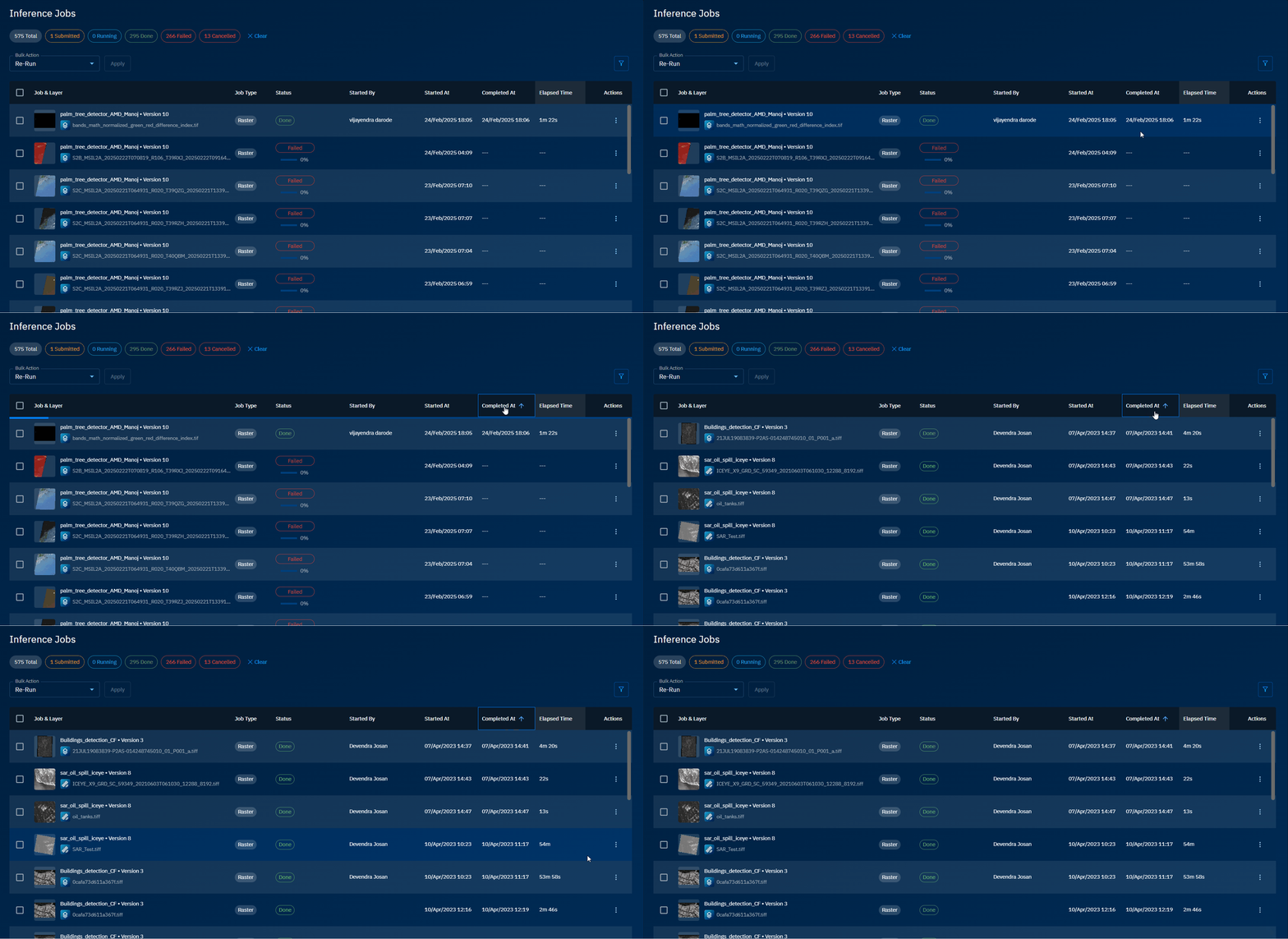
Sorting Jobs
You can quickly sort inference jobs list in ascending or descending order by type, status, started by, and date and time when the job started and completed.
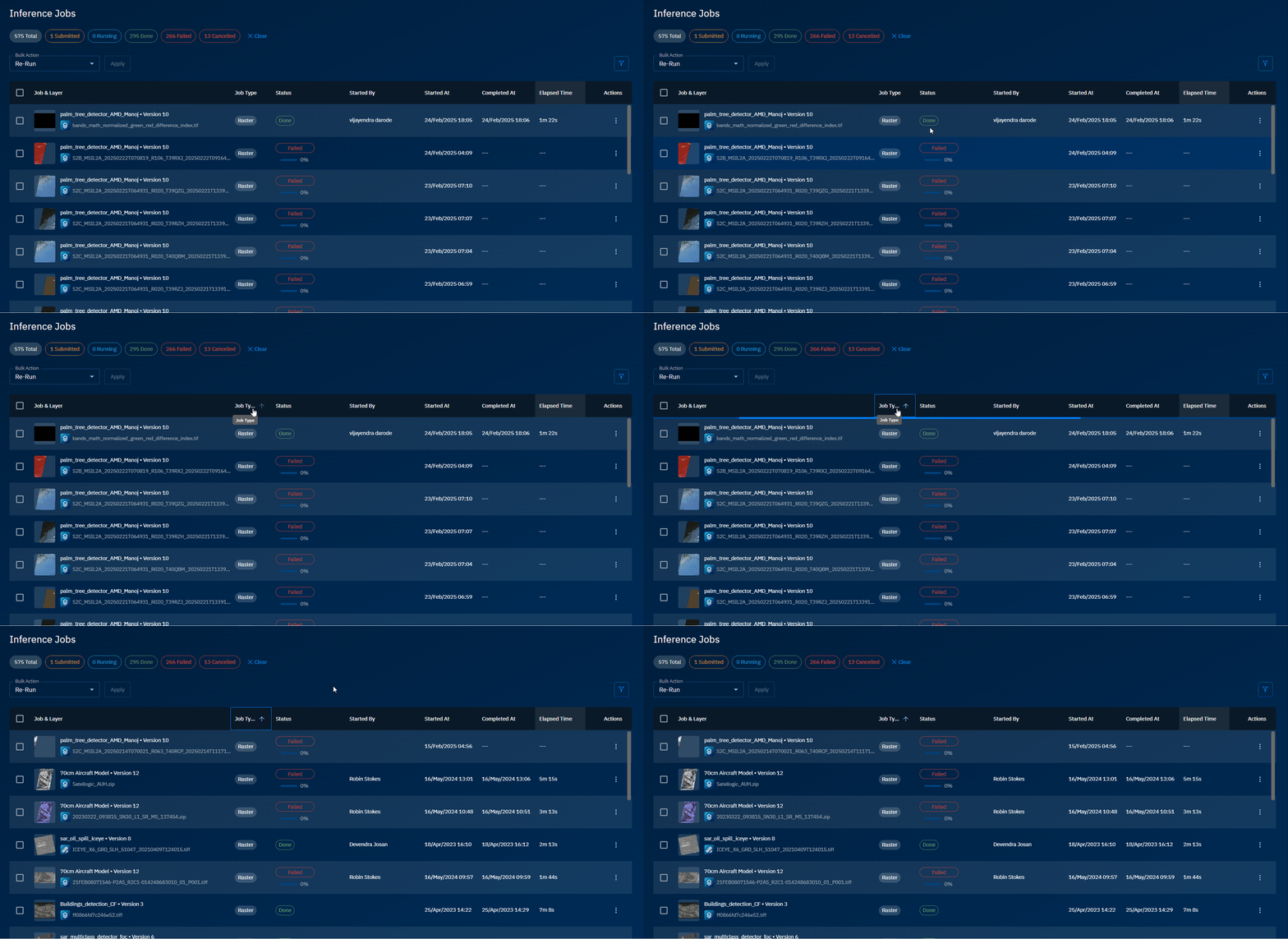
Sorting by Job Type
Sort jobs by job type namely raster, video, or image in ascending or descending order.
To sort by job type, do the following:
- In the Inference Jobs page, click the Job Type column header to sort and views jobs in ascending or descending order.
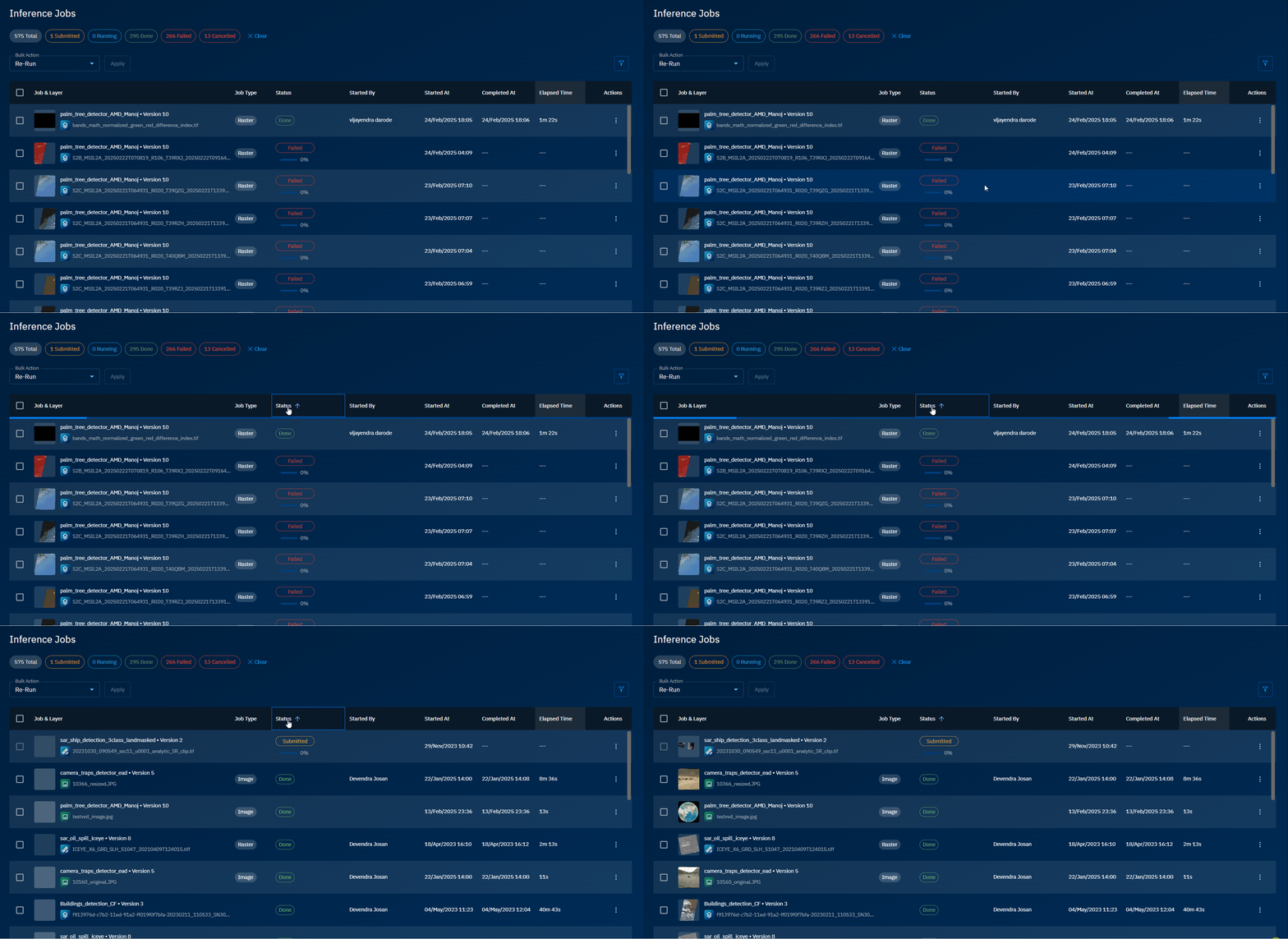
Sorting by Status
Sort jobs by status namely submitted, running, done, failed, and cancelled in ascending or descending order.
To sort by job status, do the following:
- In the Inference Jobs page, click the Status column header to sort and views jobs in ascending or descending order.
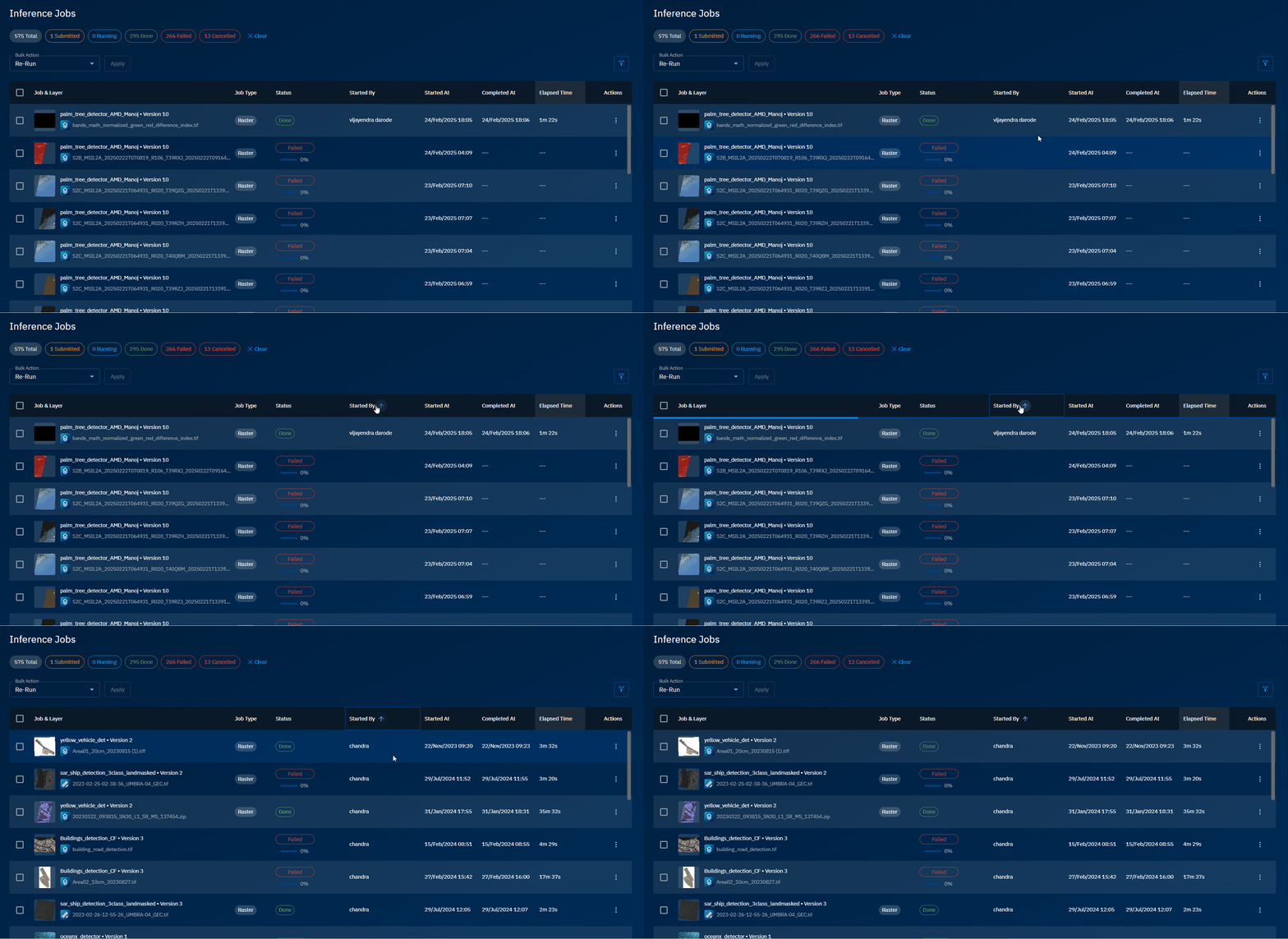
Sorting by Started By
Sort jobs by the username who started the inference job.
To sort by username, do the following:
- In the Inference Jobs page, click the Started By column header to sort and views jobs in ascending or descending order.
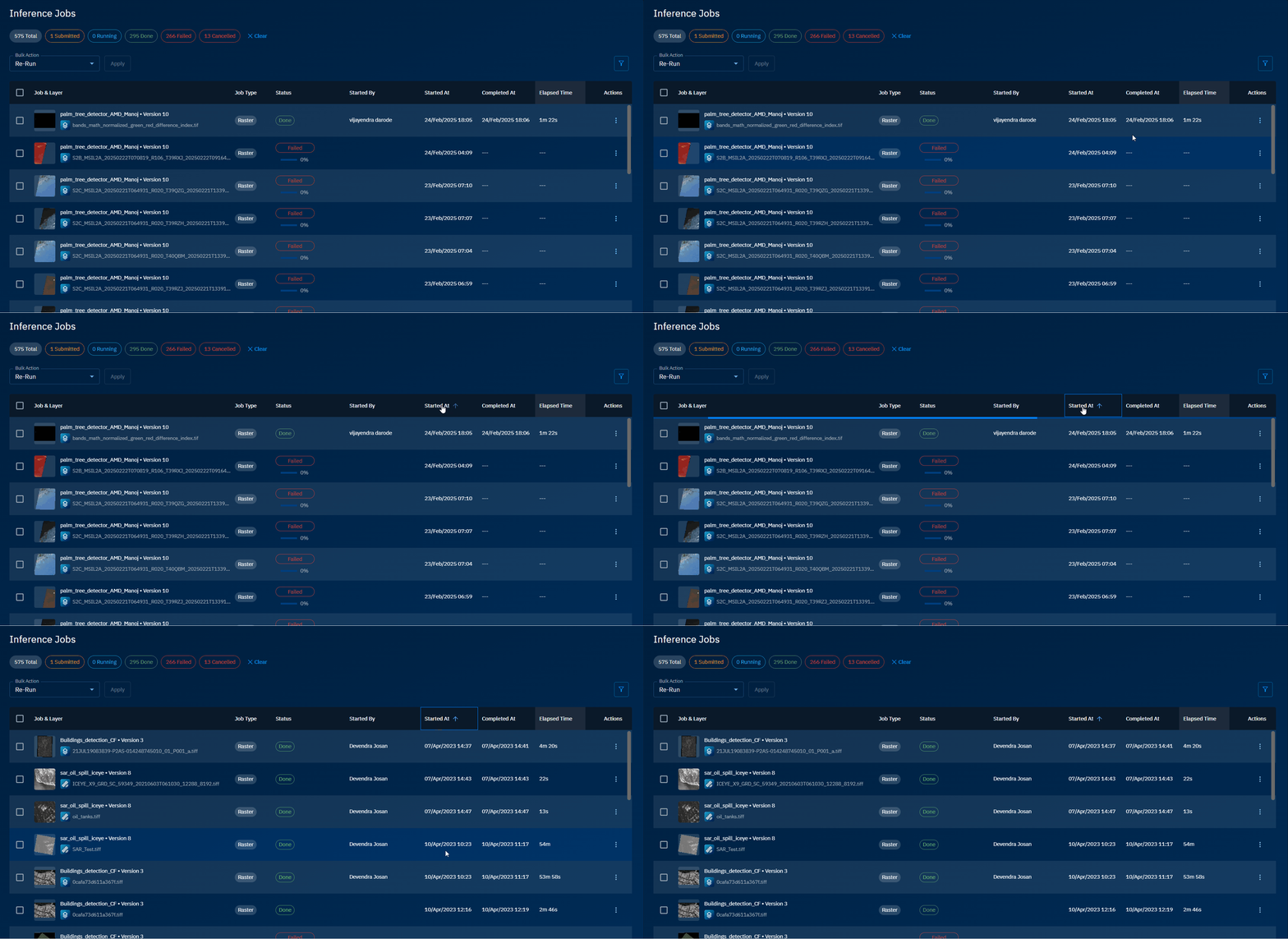
Sorting by Started At
Sort jobs by start date and time of an inference job.
To sort by start date and time, do the following:
- In the Inference Jobs page, click the Started At column header to sort and views jobs in ascending or descending order.
Sorting by Completed At
Sort jobs by end date and time of an inference job.
To sort by end date and time, do the following:
- In the Inference Jobs page, click the Completed At column header to sort and views jobs in ascending or descending order.